01
Clients and yachts
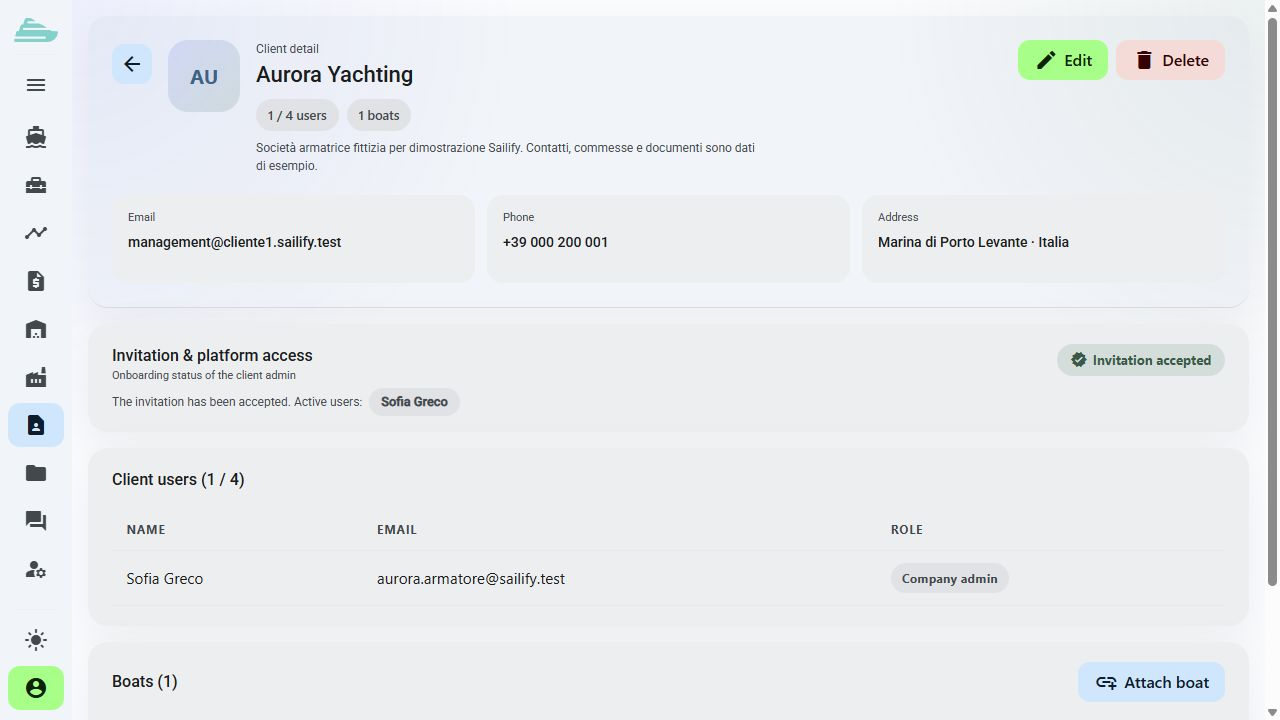
Create client records and associate their yachts. The client record keeps the reference details for the operational relationship.
Different people, clearly defined responsibilities
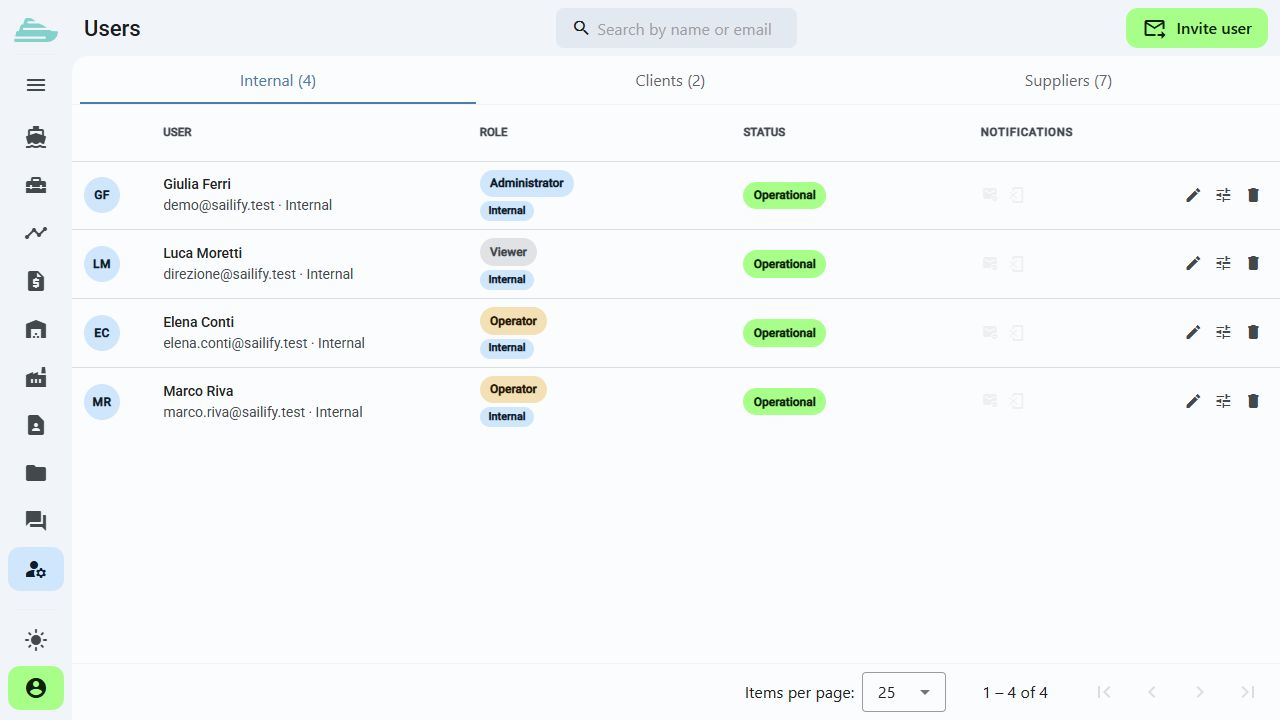
Organise clients, suppliers and internal teams with distinct profiles. Assign yachts, invite collaborators and keep each person's view consistent with their role.
See this workflow in a demoWhat you can do
Every participant enters the workflow with an explicit access scope.
01
Create client records and associate their yachts. The client record keeps the reference details for the operational relationship.
02
Invite colleagues and collaborators through the account activation process. Administrators can review and revoke invitations.
03
Separate administrators, operators and view-only profiles according to the team's responsibilities.
04
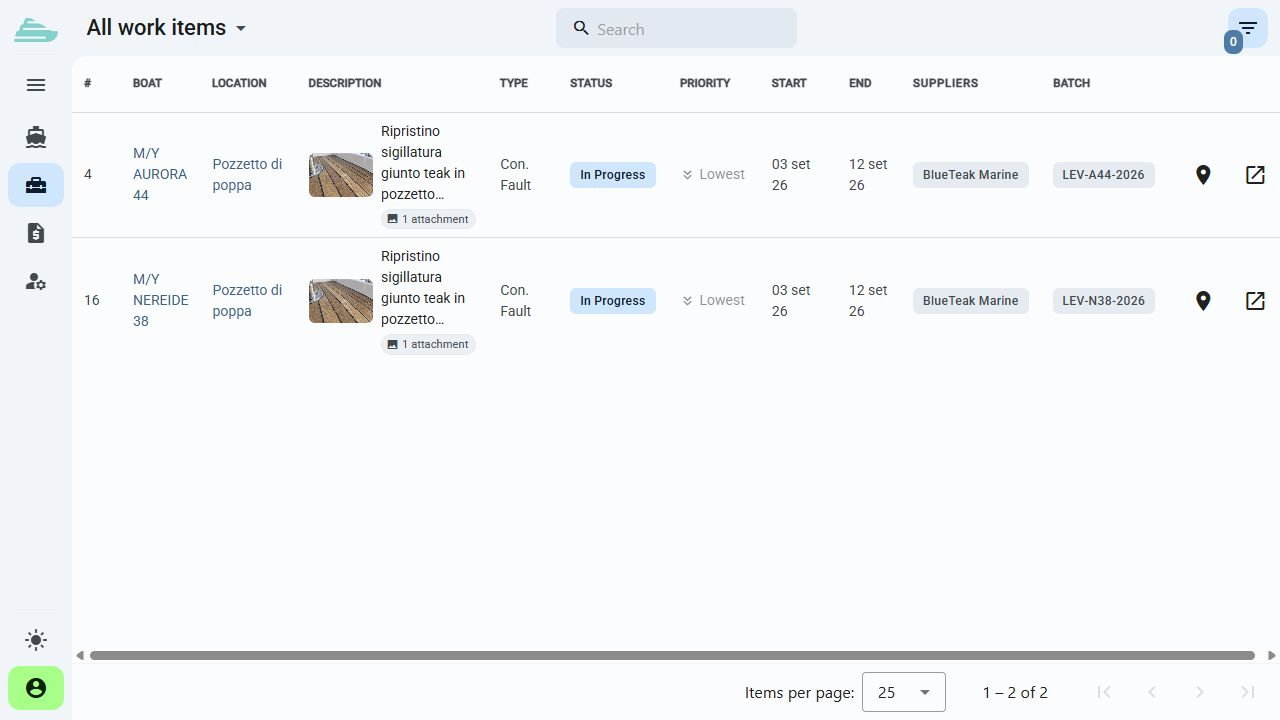
Assign users to yachts and manage the relevant permissions while keeping different projects separated.
05
External companies have dedicated profiles. A supplier administrator can manage operators within its own company context.
06
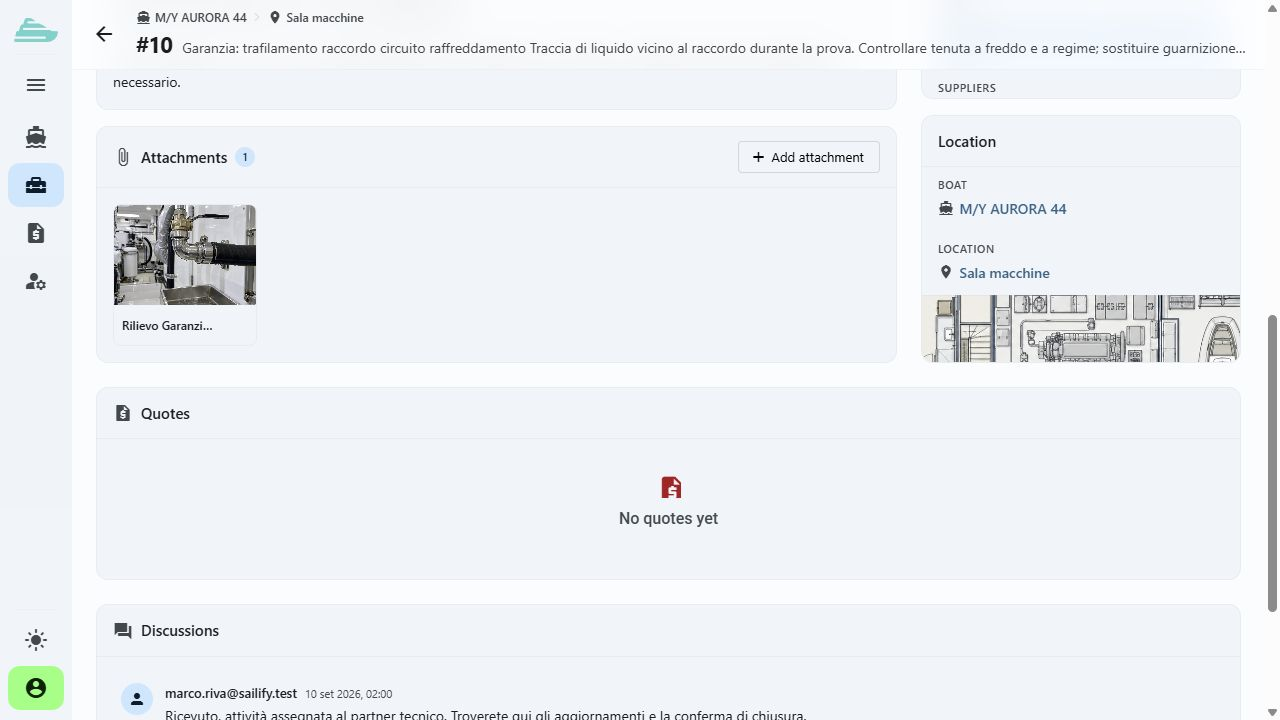
Permissions and visibility distinguish shared information, internal notes and cost data. Configuration is matched to the shipyard's process.
Operational workflow
Inside the product
Not an isolated screen: follow how data, people and decisions stay connected before, during and after the work.
Connected to the rest of the work
Platform
Use cases
Tell us how you currently manage work, quality and warranty cases. We will prepare a focused demo and define a practical first adoption path with you.