01
Distinct work types
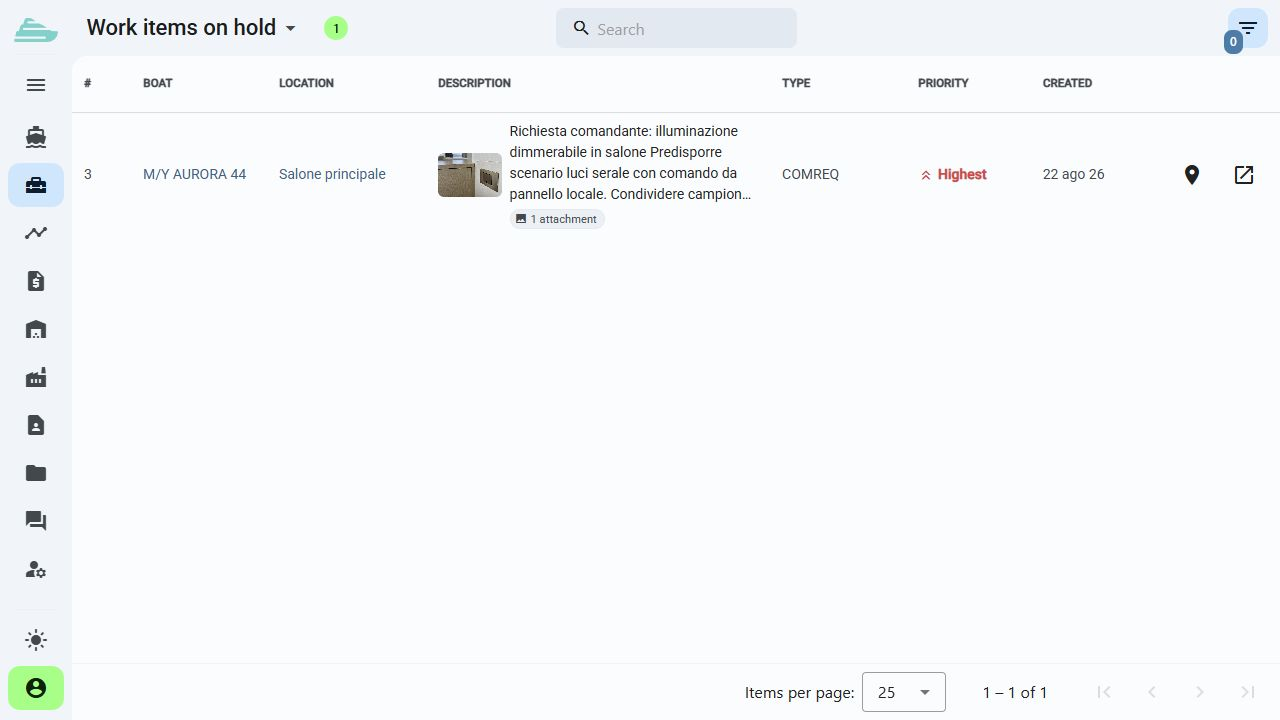
Classify work as a quality check, warranty case or another operational type. Filters and lists separate priorities without losing the history.
Before and after delivery
Manage quality checks, warranty reports and after-sales work on the same yacht. Separate each request type, collect evidence and organise the work that requires verification.
See this workflow in a demoWhat you can do
Production and after-sales teams share the yacht's technical history and the context behind every report.
01
Classify work as a quality check, warranty case or another operational type. Filters and lists separate priorities without losing the history.
02
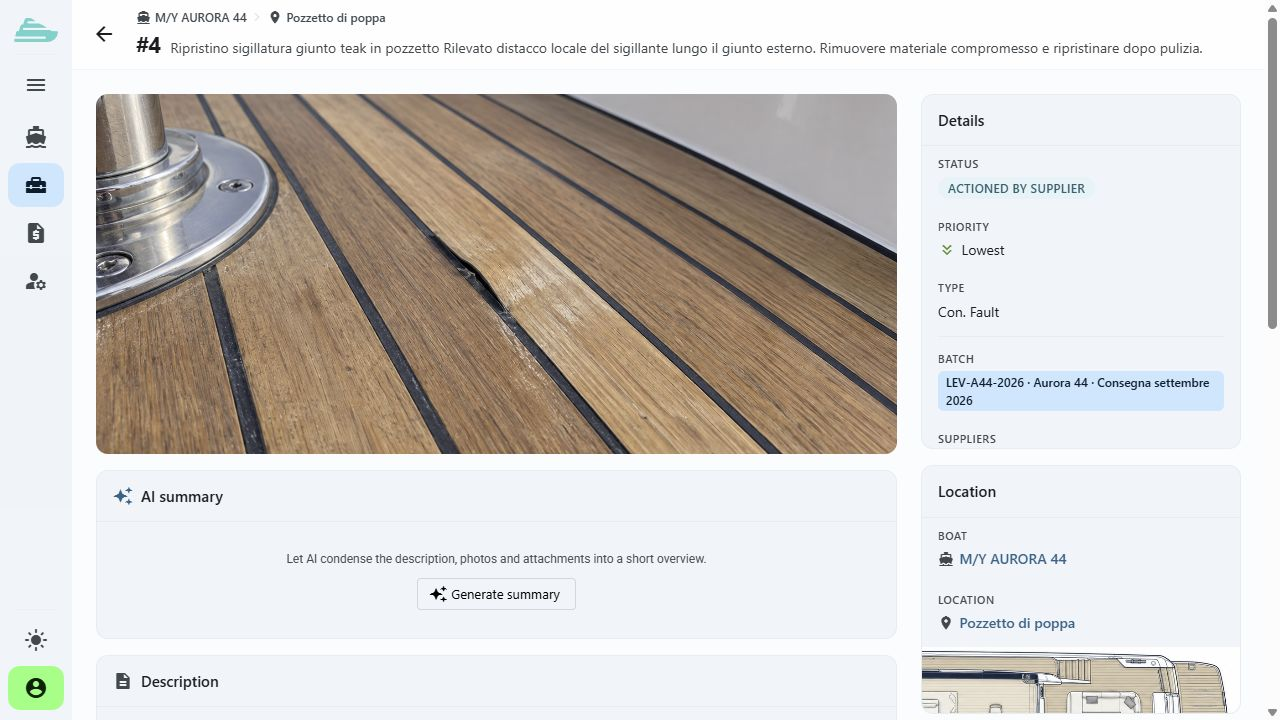
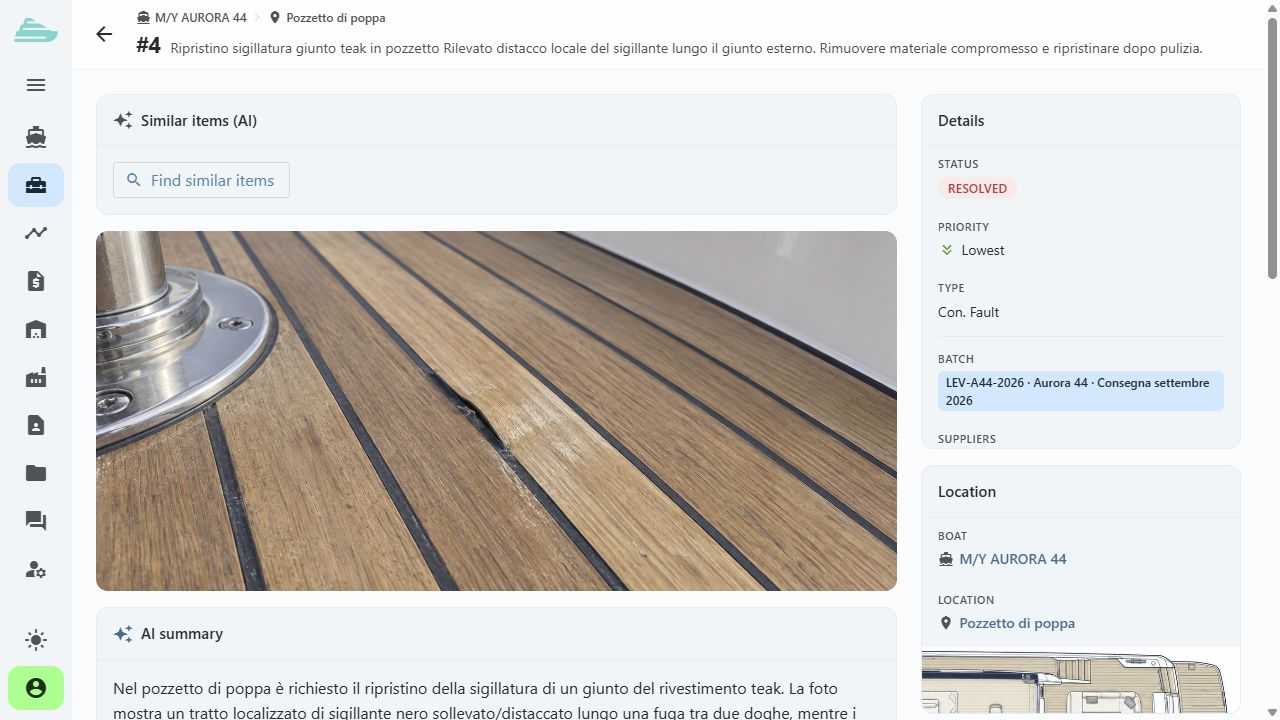
A supplier can mark its intervention as carried out. The internal team reviews photographs and comments before updating the work status after inspection.
03
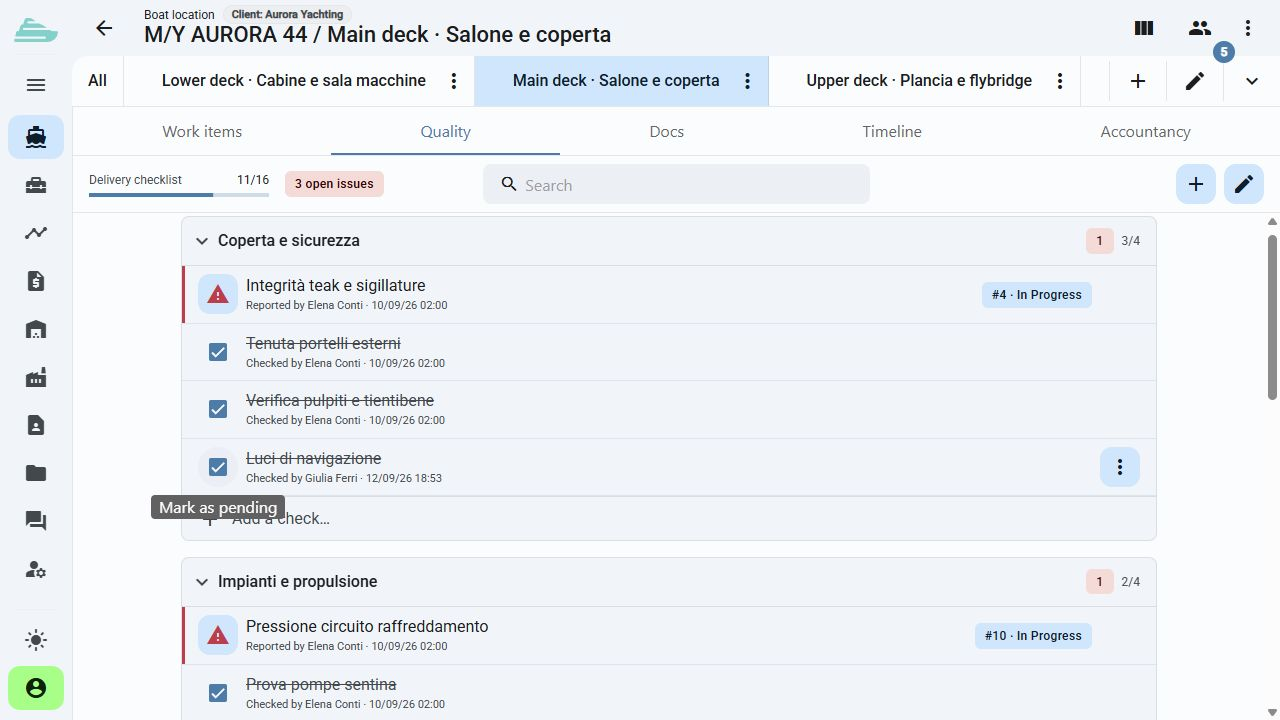
Organise checks into sections, reorder entries and apply templates. Checklists add explicit steps to the work being verified.
04
Photographs, onboard location and comments describe the problem even when the person who first recorded it is not present.
05
Collect delivery items or points to review with the client in custom lists and share them with authorised participants.
06
New reports remain associated with the yacht and its technical area. Warranty, inspection and extra-work flows can remain distinct.
Operational workflow
Inside the product
Not an isolated screen: follow how data, people and decisions stay connected before, during and after the work.
Connected to the rest of the work
Platform
Use cases
Tell us how you currently manage work, quality and warranty cases. We will prepare a focused demo and define a practical first adoption path with you.