01
Supplier record
Keep contacts, addresses, tax details, description and image in a dedicated company record.
One commercial relationship, one operational context
Connect each supplier with its operators, assigned work and quotations. The request, response and commercial decision remain attached to the work that needs to be carried out.
See this workflow in a demoWhat you can do
Shipyard and supplier share a clear reference for the required work and the quotation that covers it.
01
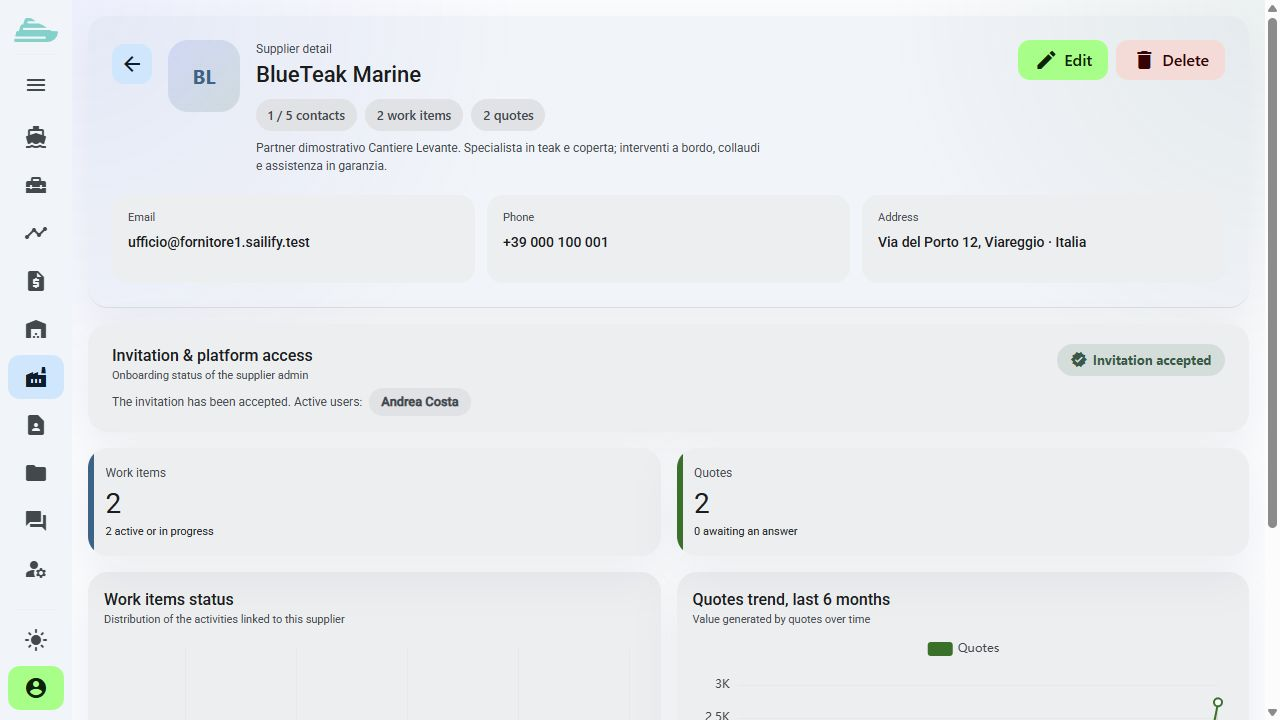
Keep contacts, addresses, tax details, description and image in a dedicated company record.
02
Invite external users and assign administrative, operational or read-only roles within their company's scope.
03
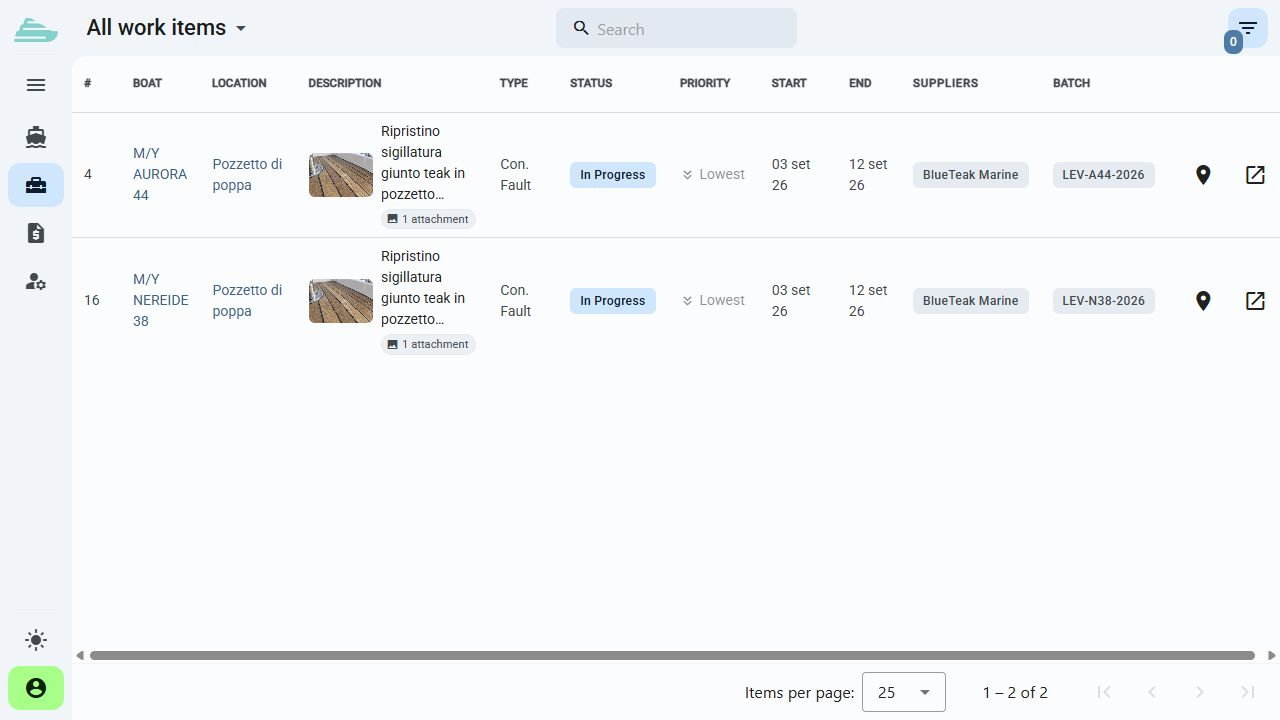
Work items connect the supplier, yacht and location. External operators see the activities permitted by their access profile.
04
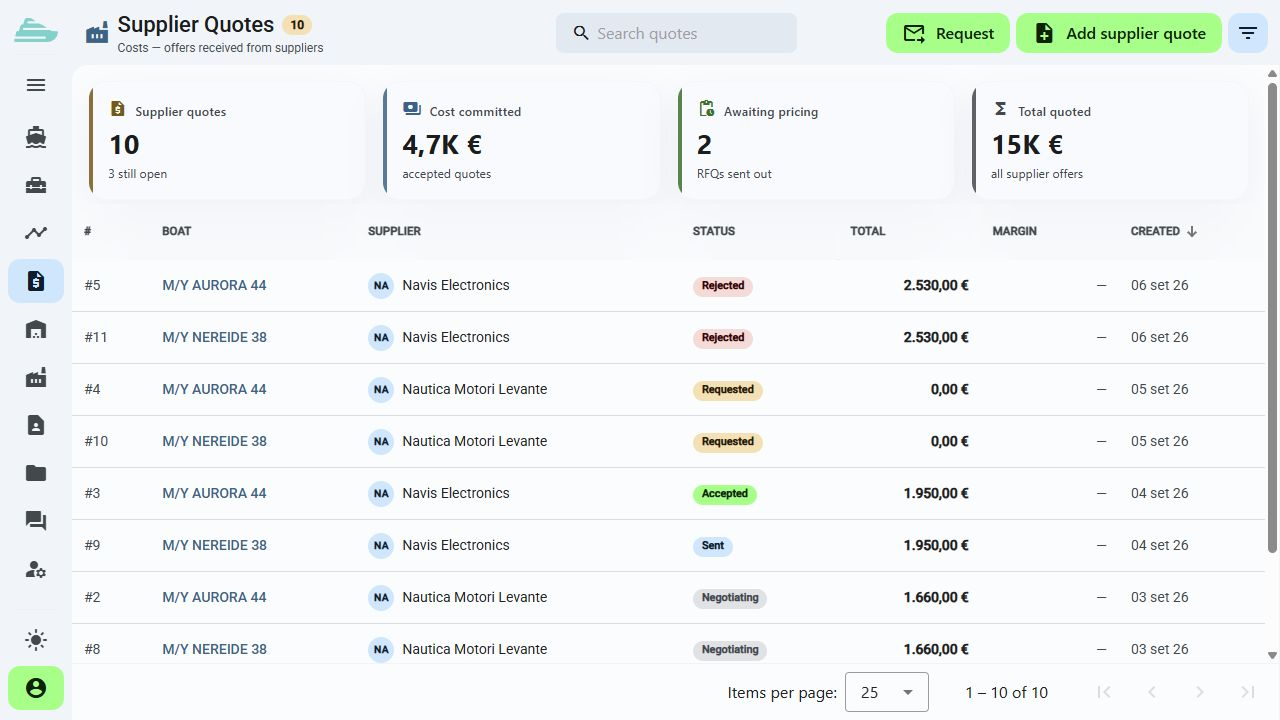
Send a quotation request through the platform. Responses remain connected to the request and its technical context.
05
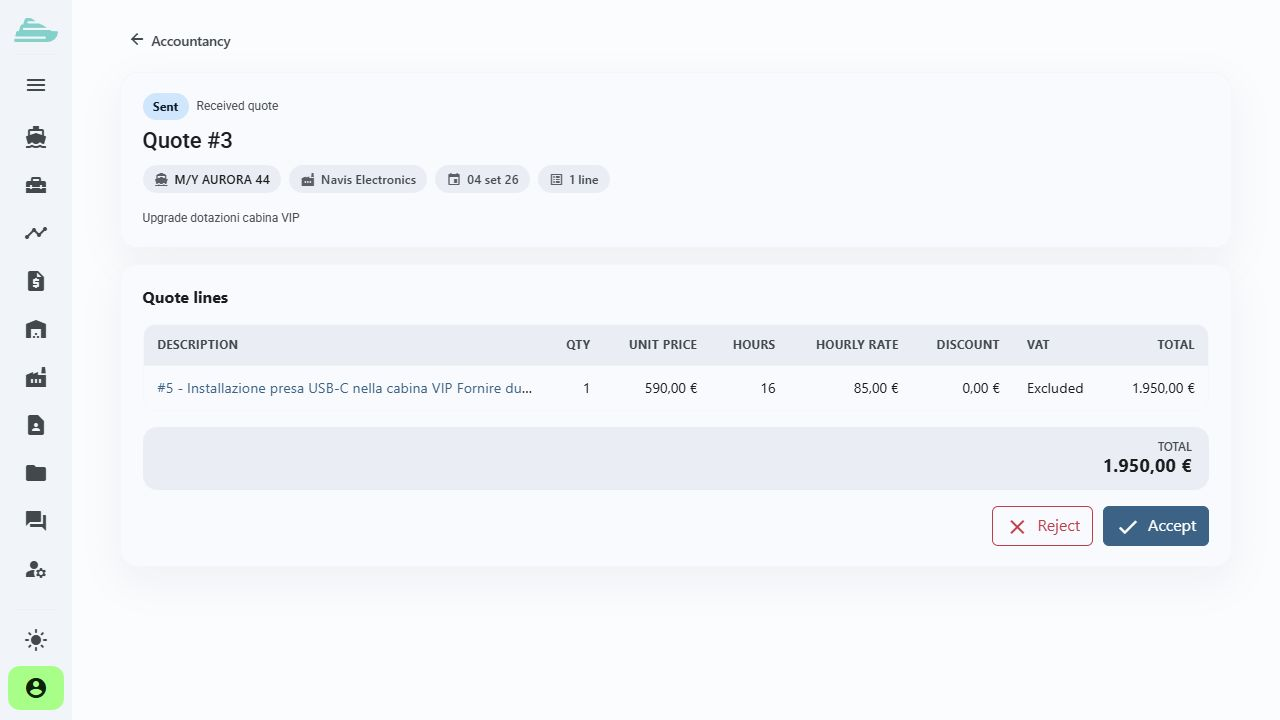
Accept, reject or cancel a quotation according to permissions. The proposal's status and details remain available in its record.
06
Review the work and cost information connected to each supplier before an operational or commercial discussion.
Operational workflow
Inside the product
Not an isolated screen: follow how data, people and decisions stay connected before, during and after the work.
Connected to the rest of the work
Platform
Use cases
Tell us how you currently manage work, quality and warranty cases. We will prepare a focused demo and define a practical first adoption path with you.