The service team rebuilds the history from emails and calls.
The yacht retains work records, photographs, comments and documents.
From the client's first report to the technician's visit, connect the issue to the yacht, onboard area and supplier. Retain photographs, decisions and progress over time.
Build your tailored demoWe will follow a warranty case from the initial report through to verification of the intervention.
The day-to-day problem
The service team rebuilds the history from emails and calls.
The yacht retains work records, photographs, comments and documents.
Warranty, quality checks and extra work sit in one undifferentiated list.
Work types and lists separate each route while retaining the yacht reference.
Updating the client requires answers from several people.
Status, supplier and operational context are available in the work record.
The workflow we will explore together
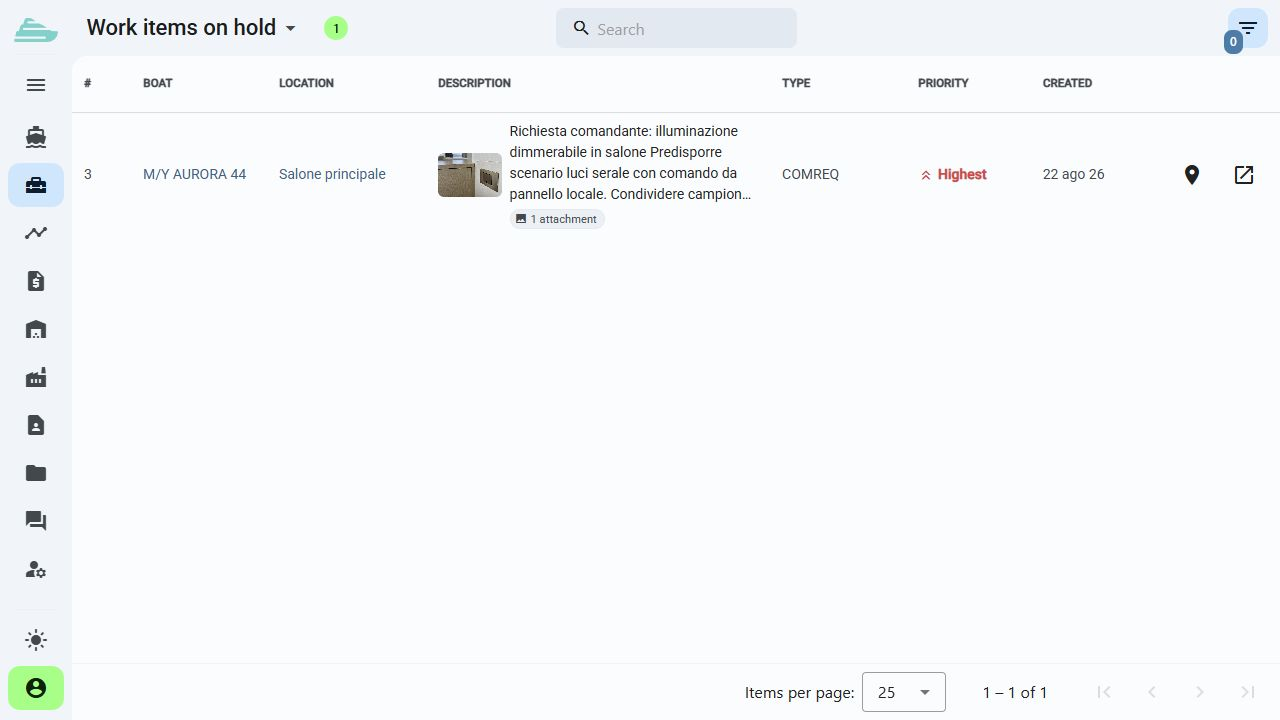
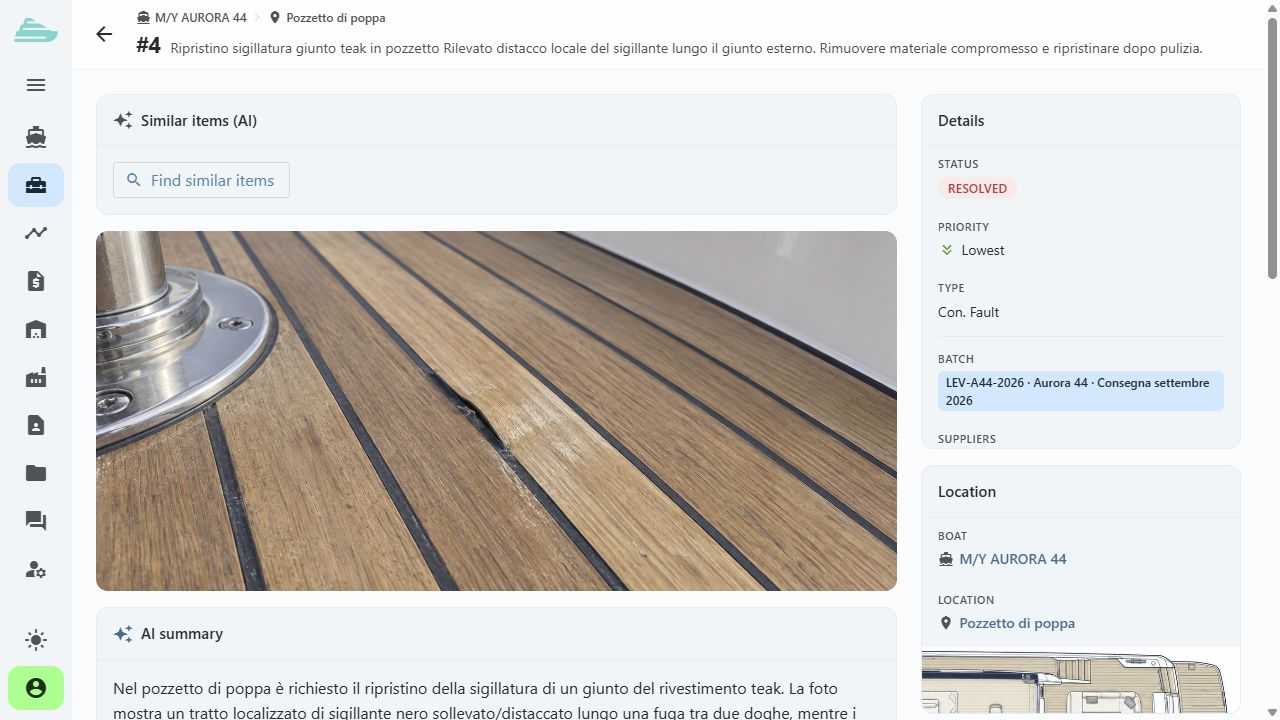
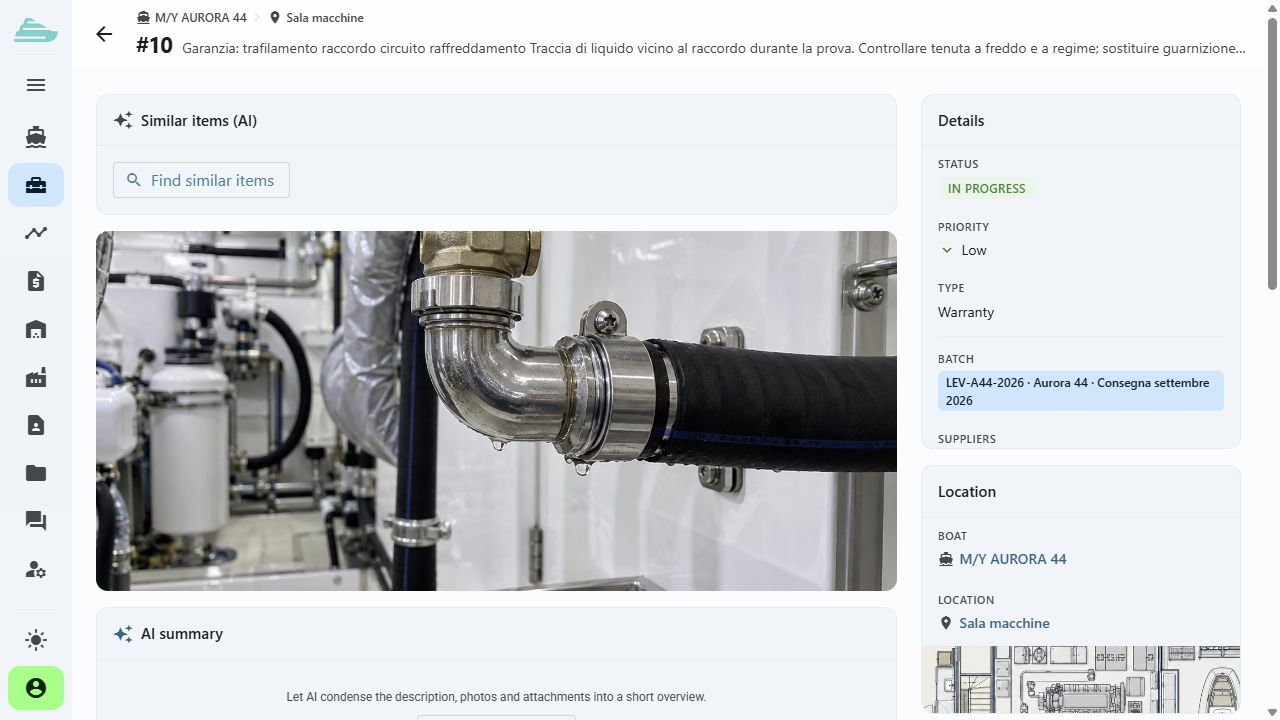
Record the yacht, location, warranty type and photographic evidence of the issue.
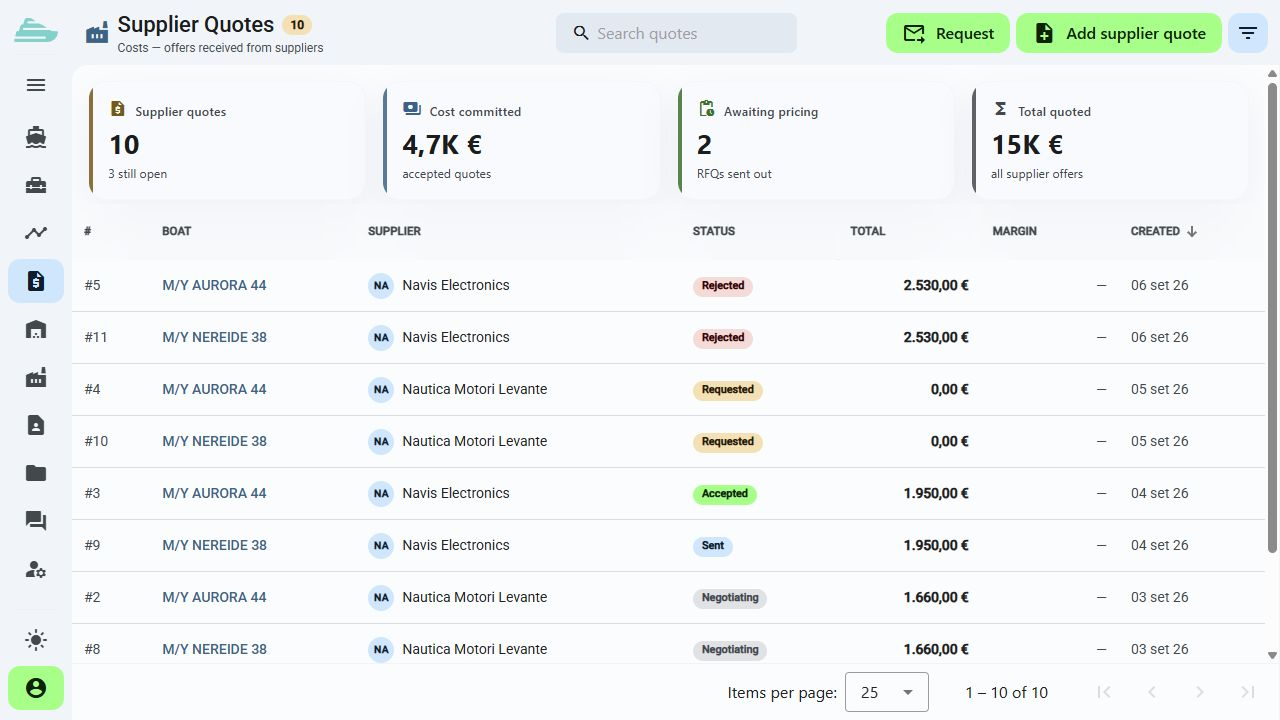
Explore this featureAssign the supplier and connect a quotation when the case requires a commercial proposal.
Explore this featureReview evidence of the supplier's completed work and update the item status after the internal team's inspection.
Explore this featureThe next step
Describe your after-sales operation, the fleet you support, the suppliers involved and the steps that currently require the most coordination.
There is no online purchase. After the discussion, we define the scope, timing and commercial proposal that fit your organisation.
Book a demo · Warranty and After-Sales
Before we talk
Contractual assessment remains with your team. Sailify lets you classify and manage the intervention, its technical information and operational workflow.
Yes. Suppliers have dedicated profiles and can be assigned to work items. Their access to data depends on their role and permissions.
We review a sample of files and records during onboarding. The format, data quality and volume determine the migration path to agree with you.