Crew and shore teams maintain separate lists of the same work.
Authorised participants work from connected yacht records and shared selections.
Give each participant an appropriate view of the yacht, share focused work lists and turn selected interventions into clear reports without losing the underlying detail.
Build your tailored demoWe will configure a demonstration view for an owner representative and an onboard team using roles, lists and reports.
The day-to-day problem
Crew and shore teams maintain separate lists of the same work.
Authorised participants work from connected yacht records and shared selections.
A broad project view exposes more detail than a stakeholder needs.
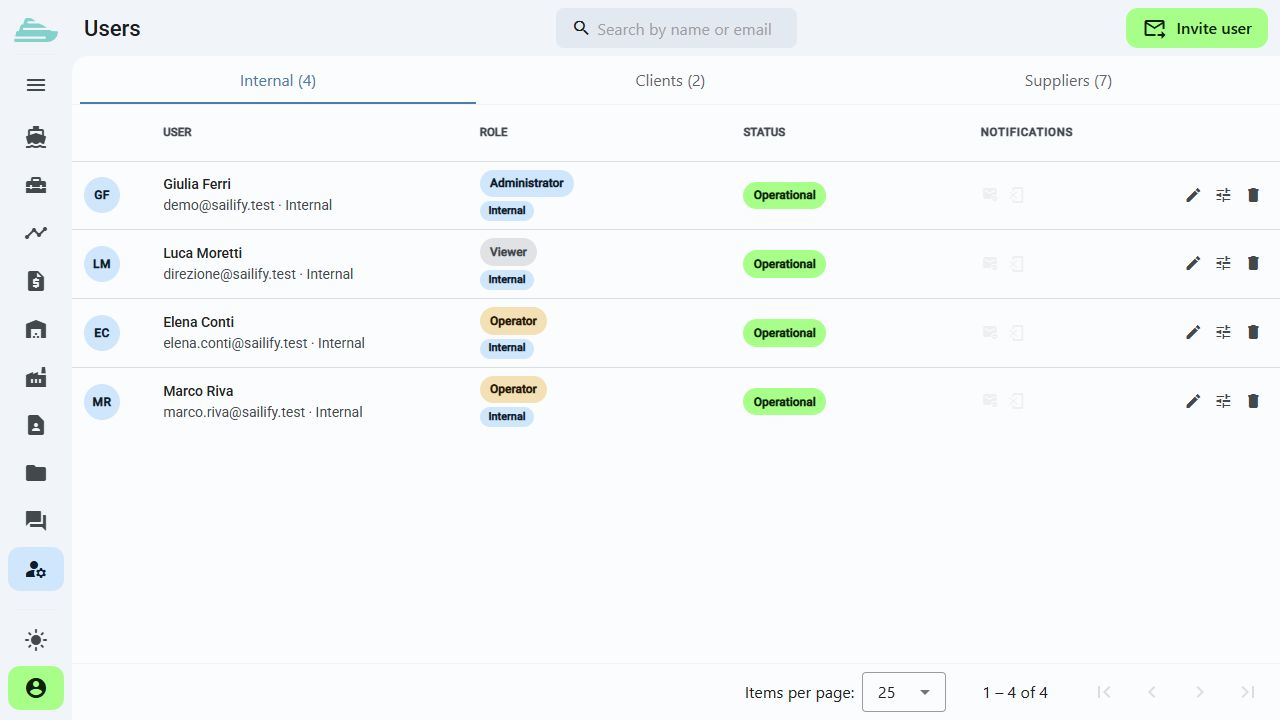
Roles, yacht assignments and list permissions define the appropriate scope.
Progress updates are rebuilt manually before every review.
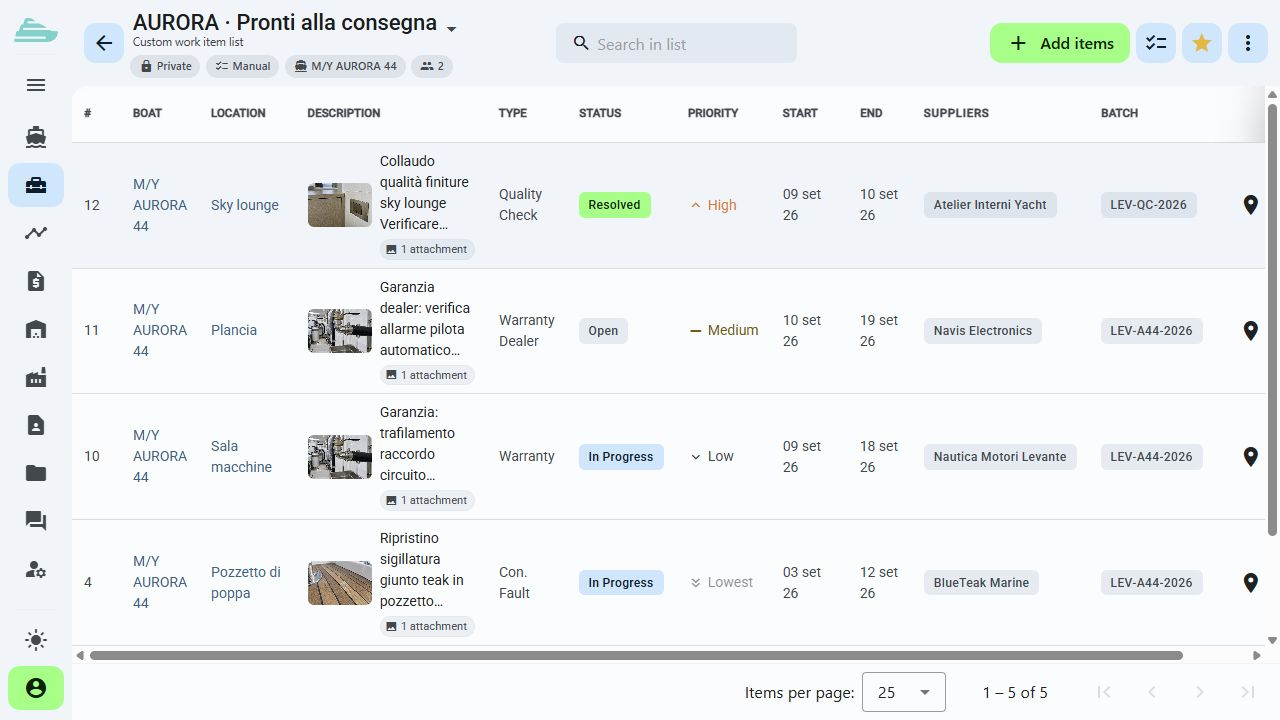
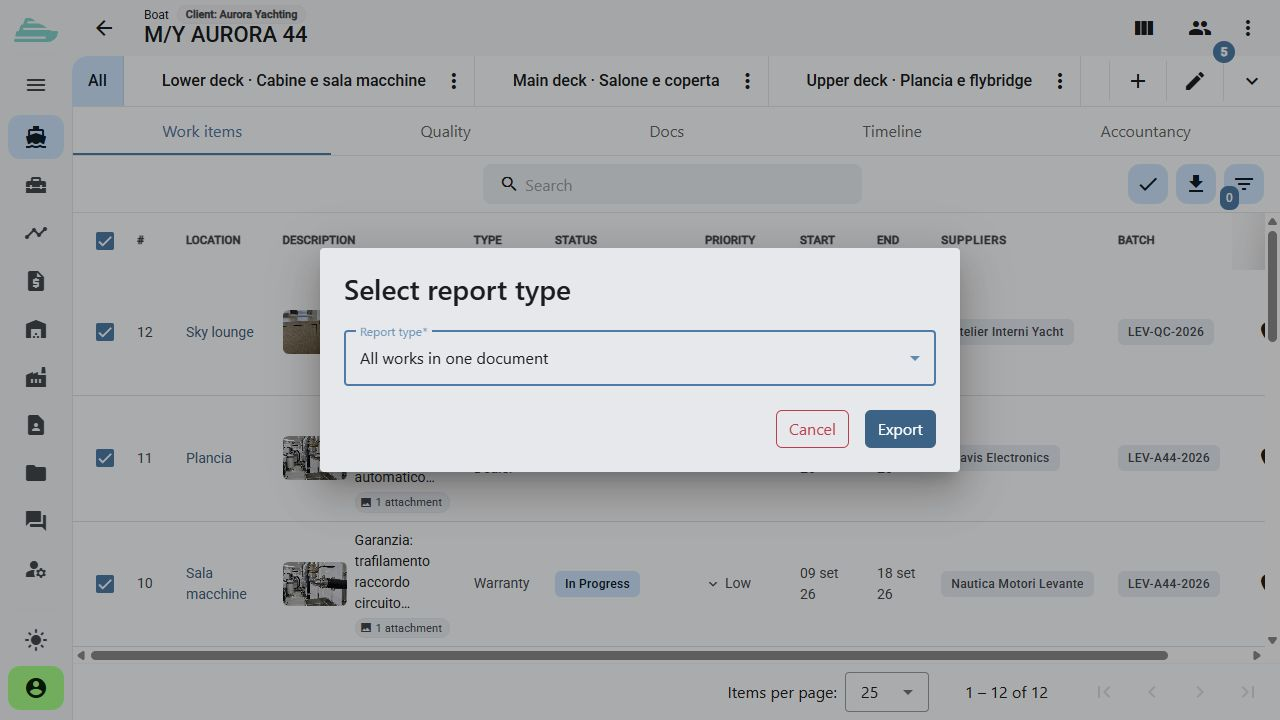
Selected work items can be organised in a list and exported as a PDF report.
The workflow we will explore together
Invite internal and external participants, assign the yacht and set the operational or view-only profile required for each person.
Explore this featureFilter relevant work and collect selected items in a list for the owner representative, captain or crew discussion.
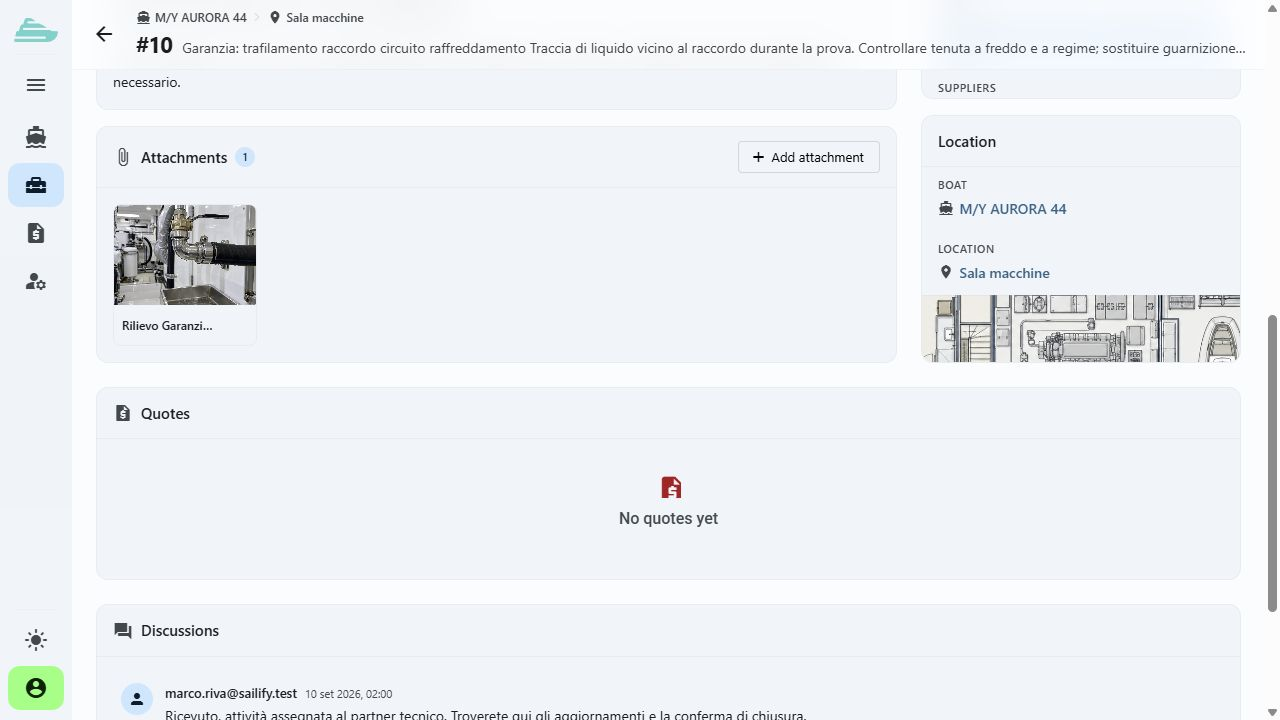
Explore this featureOpen the authorised work records, review photographs and comments, and prepare a PDF report from the selected items.
Explore this featureThe next step
Tell us how owner representatives, captains and crew currently exchange work lists and progress reports. We will reproduce that collaboration path in the demo.
There is no online purchase. After the discussion, we define the scope, timing and commercial proposal that fit your organisation.
Book a demo · Owner Representatives and Crew
Before we talk
No. Yacht assignments, user roles and permissions define the available scope. Restricted notes and cost information can remain within the appropriate team context.
Yes. Authorised work items can be collected in a shared list, while access rules for each underlying record continue to apply.
Selected work items can be organised and exported in a PDF report with photographs and their references.