01
Folder hierarchy
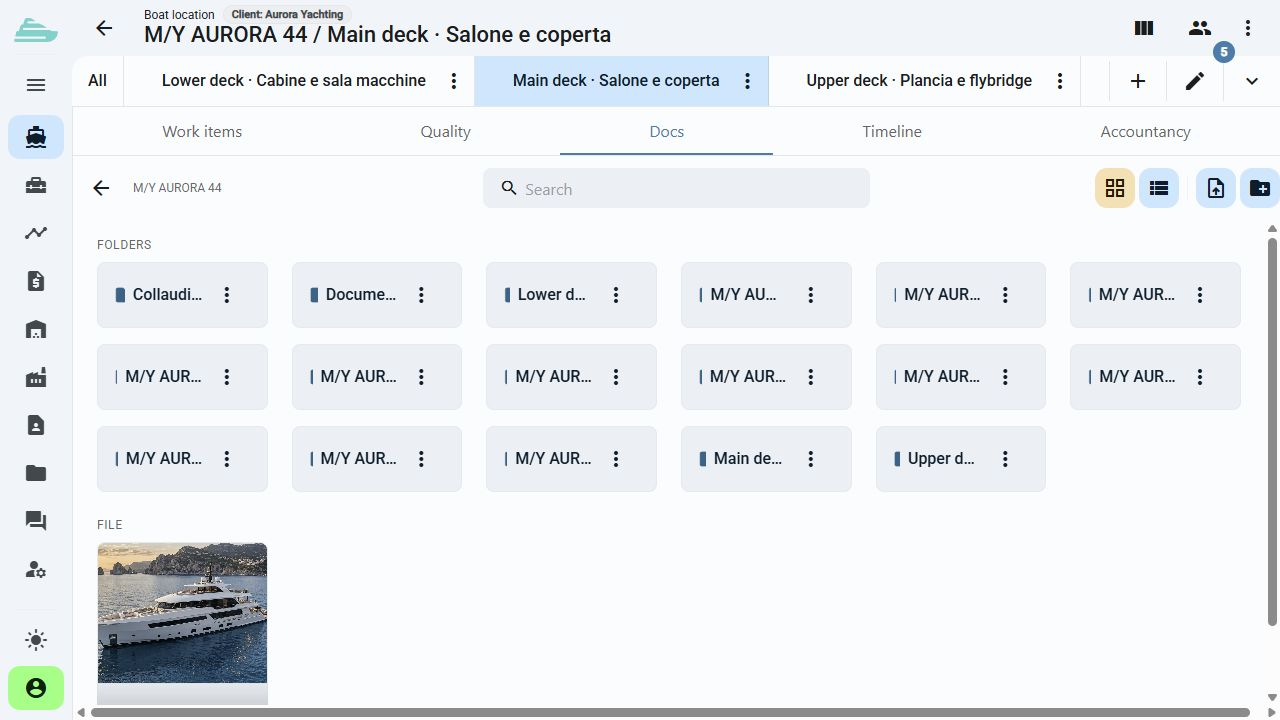
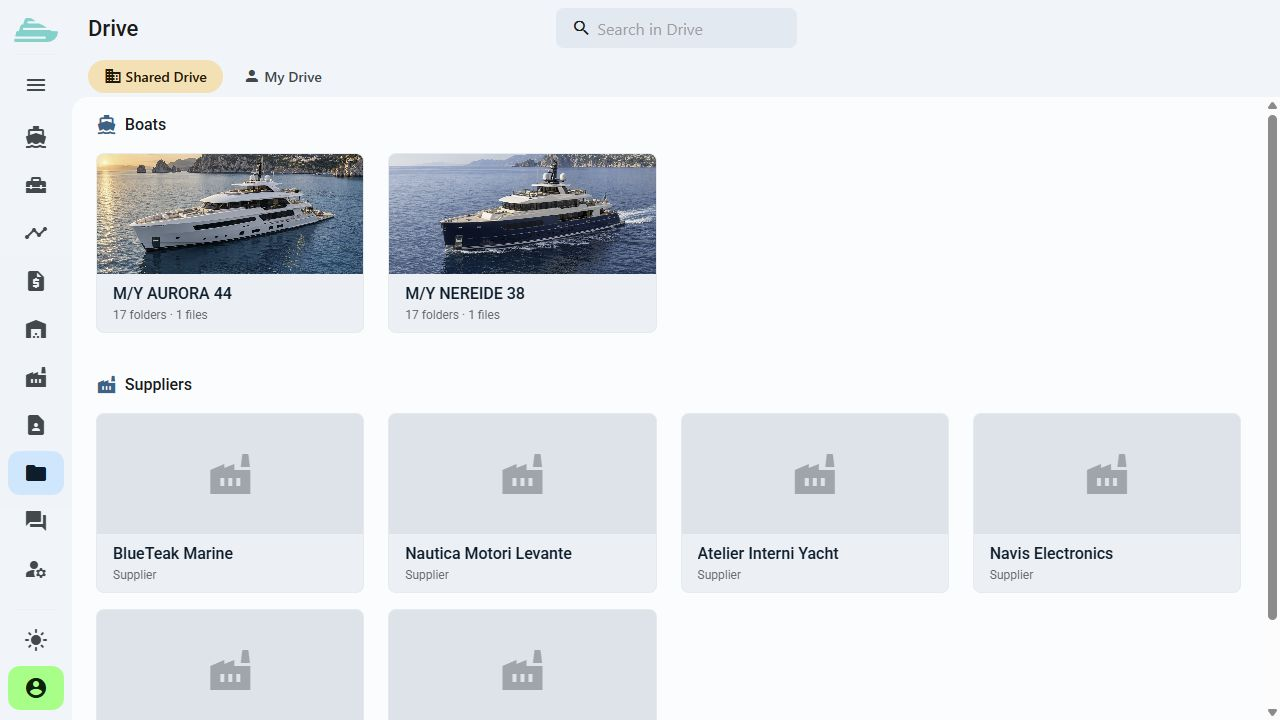
Organise files and subfolders in a navigable tree. The Drive view provides access to the contexts available to each user.
Documents follow the work
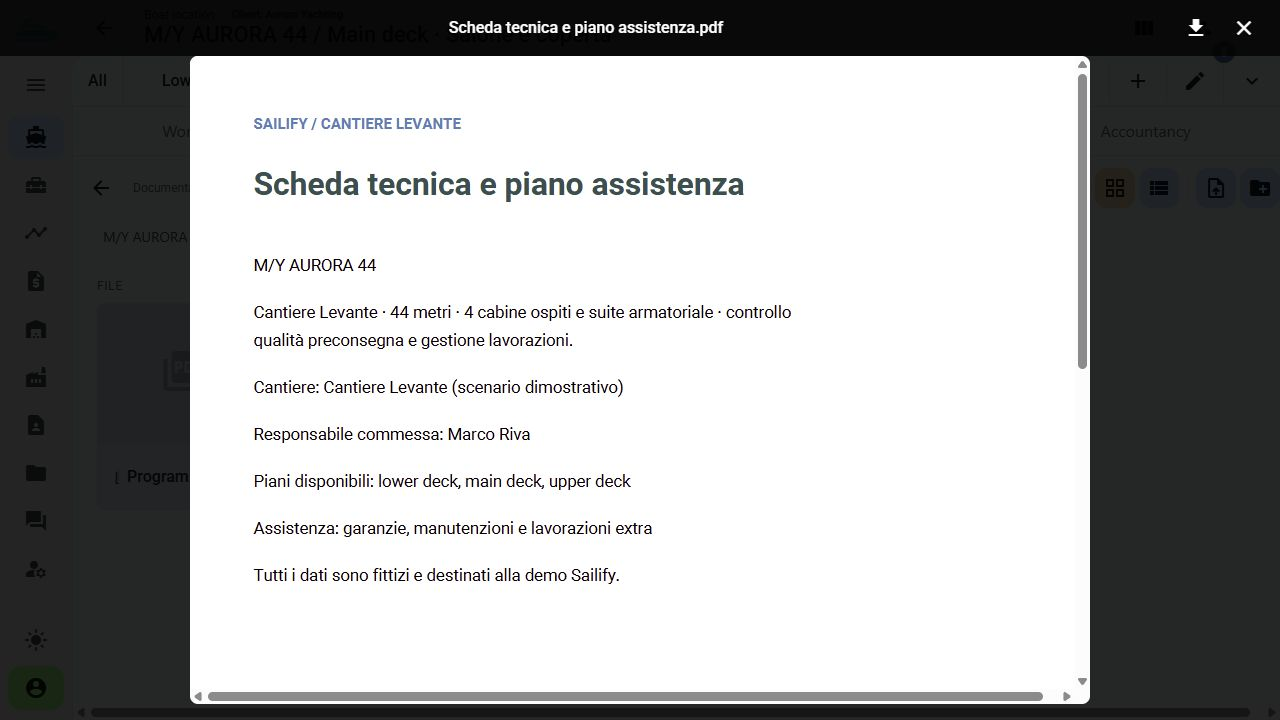
Store drawings, photographs and attachments in a folder-based archive. Connect documents to a yacht, location or work item so their context remains clear.
See this workflow in a demoWhat you can do
Technical staff can open the documents for an intervention without retracing emails and personal folders.
01
Organise files and subfolders in a navigable tree. The Drive view provides access to the contexts available to each user.
02
Keep technical documentation and project material associated with the relevant yacht.
03
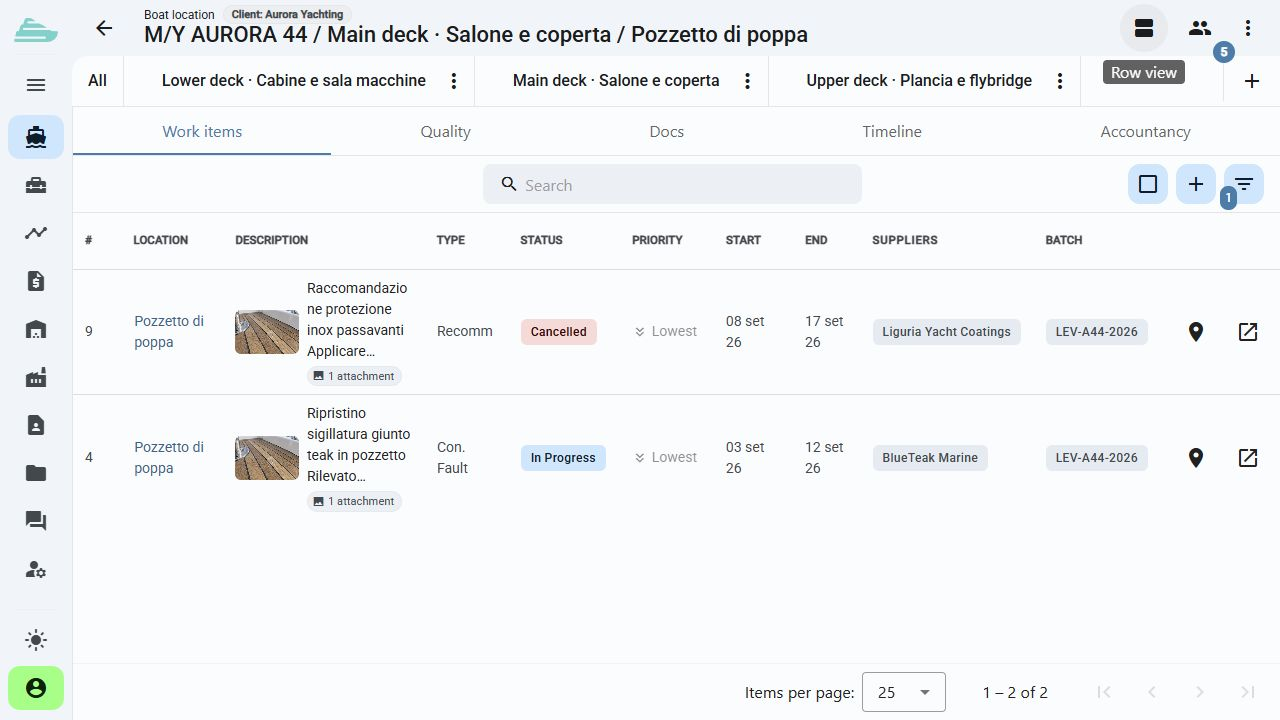
Add photographs and files directly to an item. They remain connected to its description, owners and progress.
04
A location can contain its own images, folders and files for systems, spaces and detailed drawings.
05
Rename and move folders and documents to keep the structure readable as the project develops.
06
File access follows the authorised scope of the information to which each document is connected.
Operational workflow
Inside the product
Not an isolated screen: follow how data, people and decisions stay connected before, during and after the work.
Tell us how you currently manage work, quality and warranty cases. We will prepare a focused demo and define a practical first adoption path with you.