01
Complete observation record
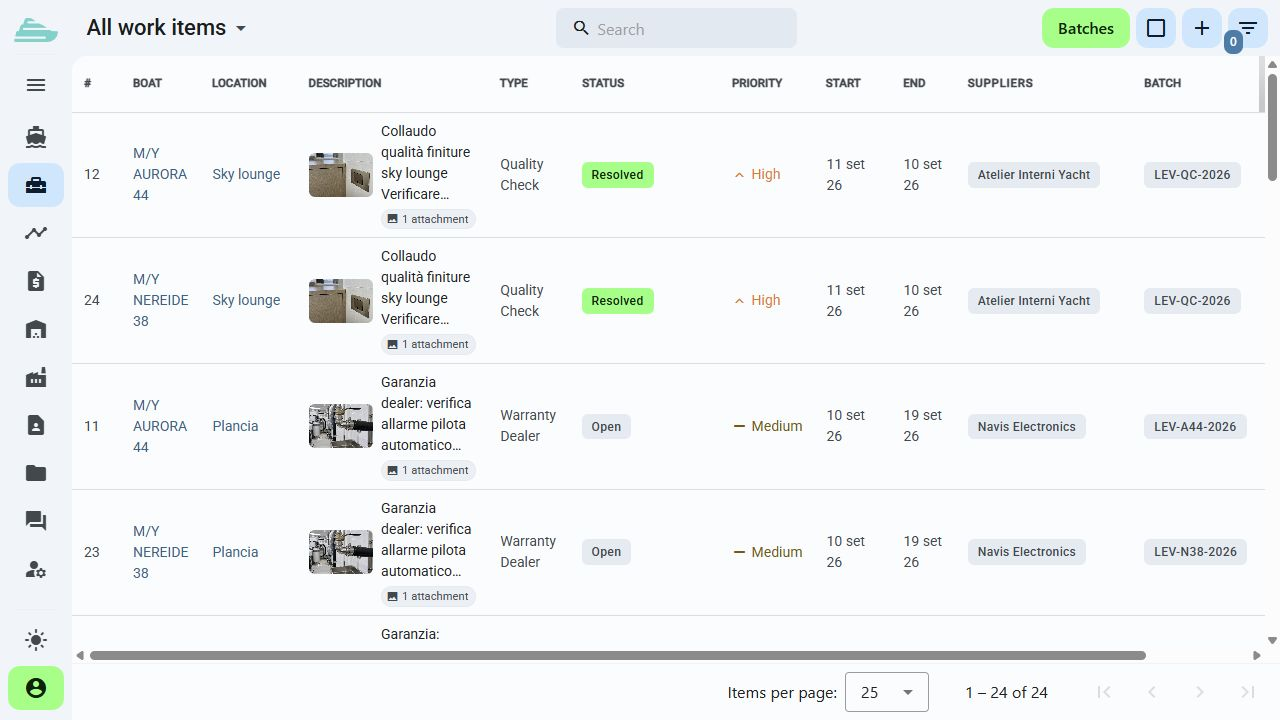
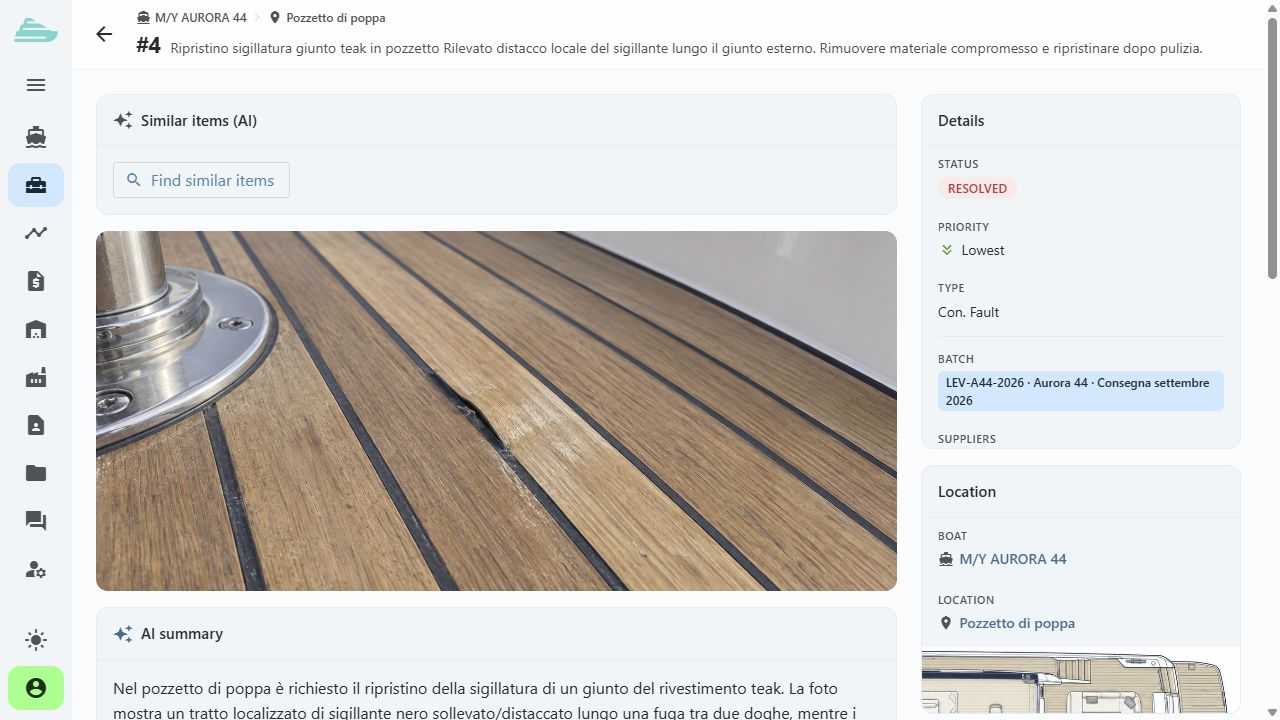
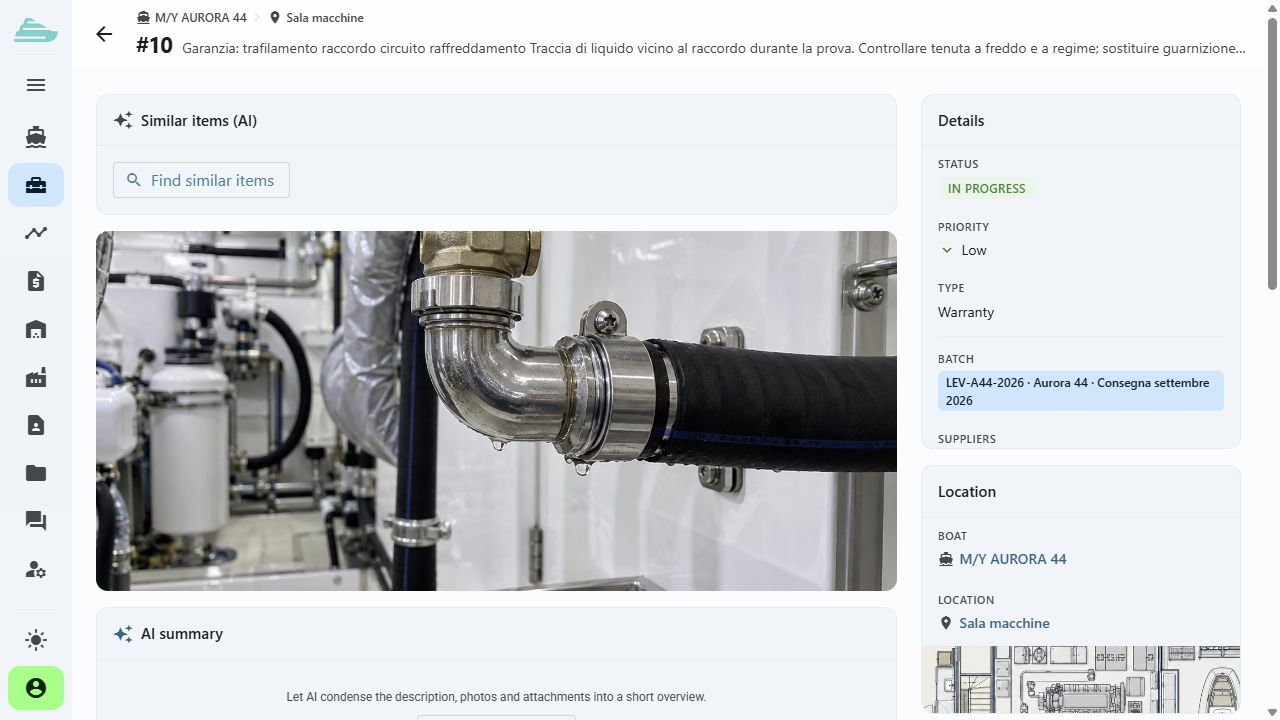
Record the title, description, type, priority and dates. Each item has a sequential number and references to the yacht, location, batch and suppliers.
From observation to sign-off
Bring together the issue, onboard location, photographs, supplier, priority and due date. Each update adds context to the same record through to final verification.
See this workflow in a demoWhat you can do
The team can reconstruct what was reported, who took action and how the work reached sign-off.
01
Record the title, description, type, priority and dates. Each item has a sequential number and references to the yacht, location, batch and suppliers.
02
Document the issue and the intervention with connected images and files. The evidence remains available with the work record.
03
Assign one or more suppliers and start the work. The supplier marks its work as carried out; the internal team reviews the evidence and updates the status according to its permissions.
04
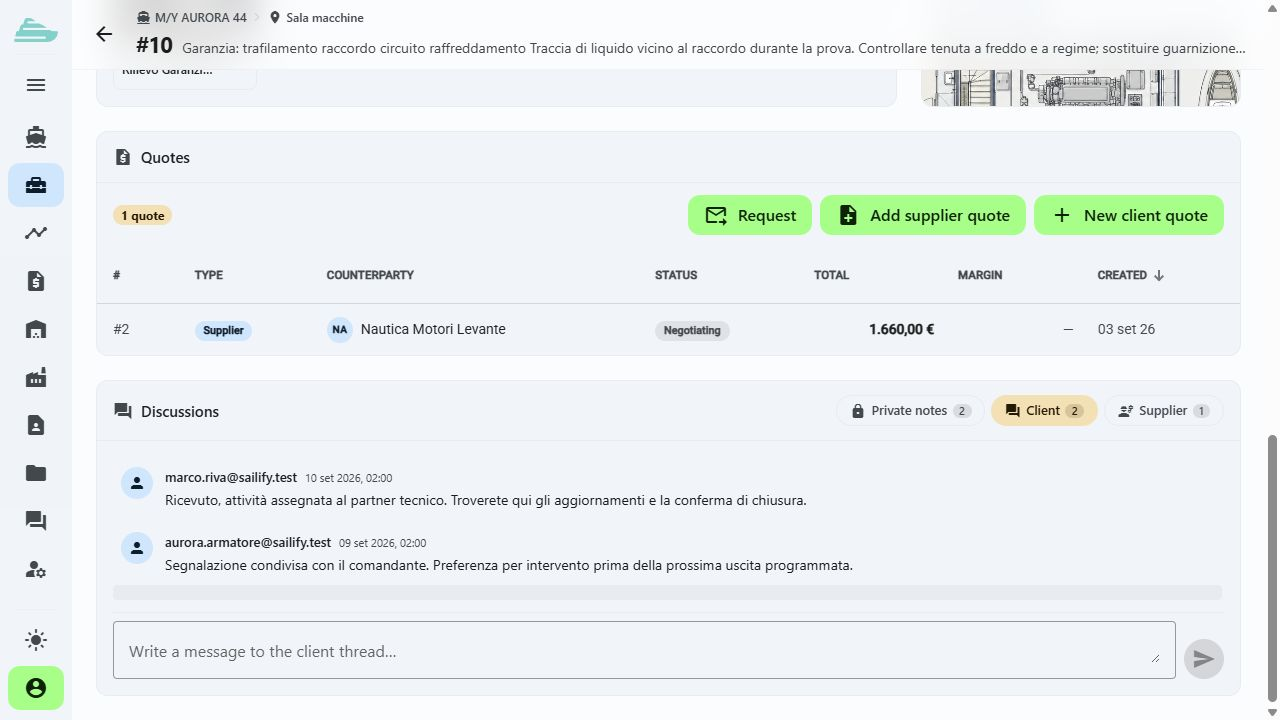
Use comments for operational discussion and restricted notes for internal information. Visibility follows each user's access profile.
05
Filter work by yacht, status, type, priority, supplier, batch and location, then update multiple selected items in one step.
06
Open related documents and quotations. When two reports concern the same intervention, the merge workflow helps consolidate them.
Operational workflow
Inside the product
Not an isolated screen: follow how data, people and decisions stay connected before, during and after the work.
Connected to the rest of the work
Platform
Use cases
Tell us how you currently manage work, quality and warranty cases. We will prepare a focused demo and define a practical first adoption path with you.